PeakCyber Technologies

DevSecOps: Shifting Security Left in the Software Development Life Cycle

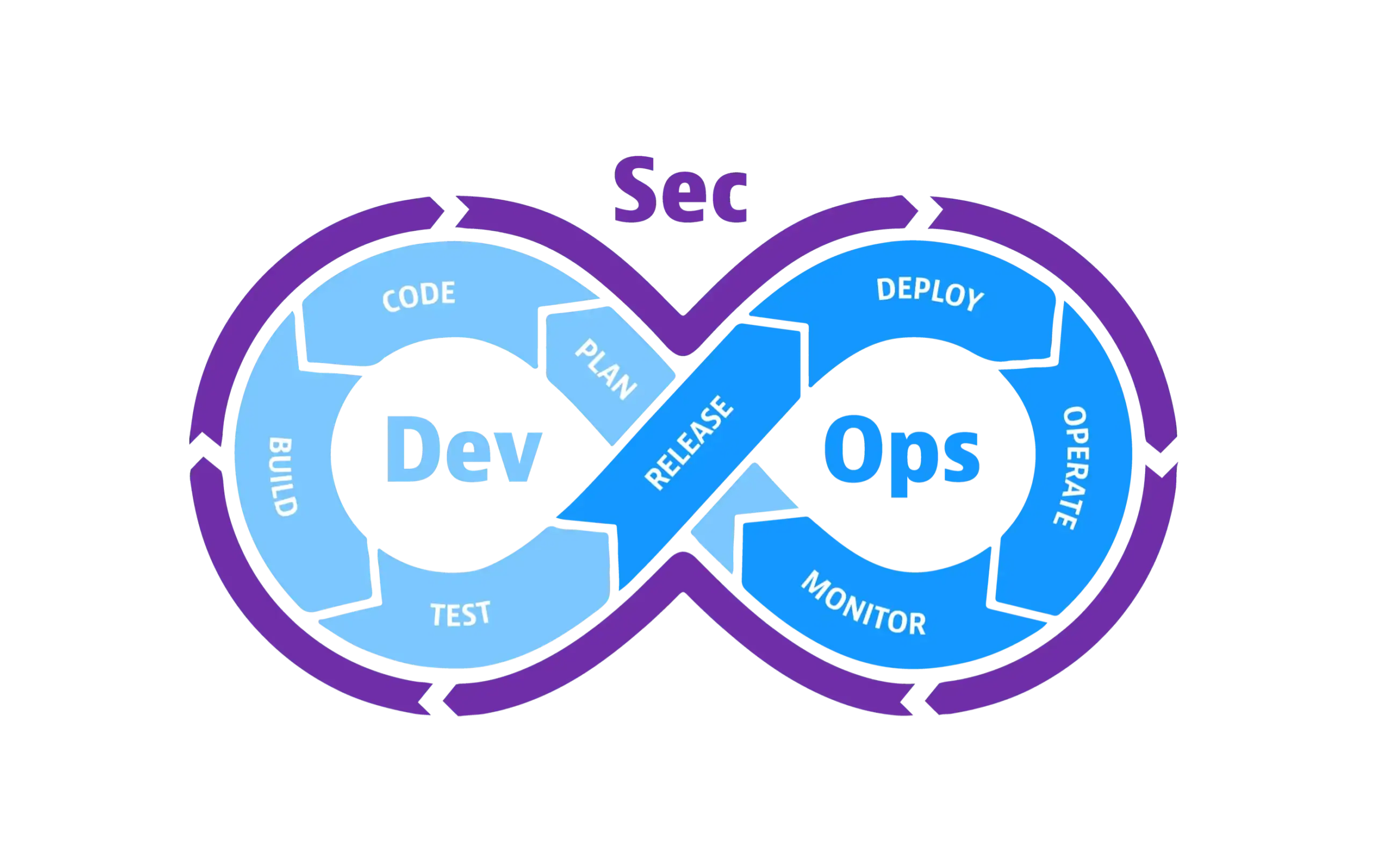
Shift left security in a DevSecOps pipeline

As the software development world grows with greater momentum than ever, DevOps processes and CI/CD (Continuous Integration/Continuous Deployment) allow us to release new versions to production dozens of times a day. However, when such frequent releases are combined with old-school security practices, we are confronted with major problems.

In traditional practices, security was a testing phase conducted at the very end of the Software Development Life Cycle (SDLC), just before the product went live. This approach made fixing existing security vulnerabilities highly costly and slow. Moving these checks to the earliest stages of development is what shift left security means, and this is exactly where DevSecOps comes into play.

DevSecOps is a cultural and technical approach that embeds security into development and operations processes, ensuring that security practices are integrated throughout the entire software development life cycle.


What Is Shift Left Security?

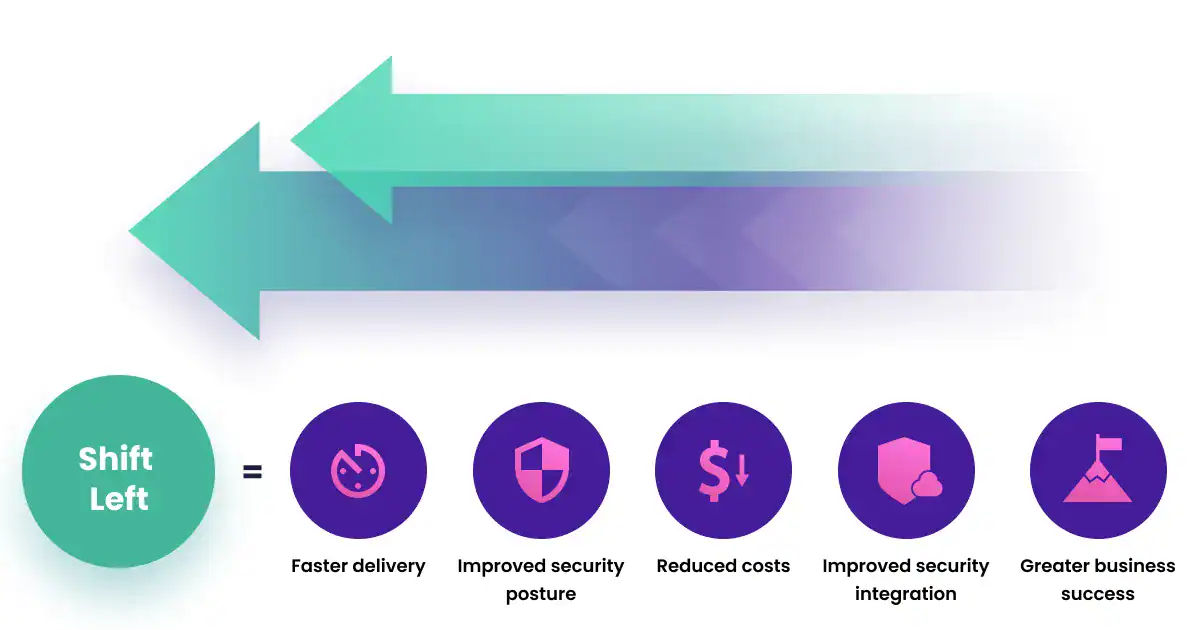
If we visualize the software development life cycle as a horizontal timeline, planning and coding are on the far left, while production release and operations, which mark the end of the process, are on the far right. “Shifting security left” means taking security testing from the very end of the process and integrating it into the earliest stages of development.

Our goal here is to catch security vulnerabilities right while the code is being written or during the initial build phase. Fixing a vulnerability during the programming stage is much cheaper and easier than fixing the same vulnerability in the production environment.

Shift left security moving testing to the early stages of the SDLC

Modern DevSecOps Practices

Today, DevSecOps means automating and orchestrating the process rather than piling raw scan results in front of developers. An effective DevSecOps pipeline consists of the following:

  • Pre-Commit & Secret Scan: Security awareness begins while still in the programming stage. Unintentionally hardcoded API keys, tokens, or database passwords are automatically detected and blocked by tools during the commit stage, before they ever reach the repository. Tool Examples: Gitleaks, TruffleHog
  • SAST (Static Application Security Testing): This is the security analysis triggered when the code is pushed to the repository. The source code is scanned directly for vulnerabilities before the application is even built. Teams notice and fix structural vulnerabilities, such as SQL Injection or Cross-Site Scripting (XSS), the moment the code is written. Automated SAST works best alongside a manual secure code review of critical components. Tool Examples: Semgrep, SonarQube, Checkmarx
  • SCA (Software Composition Analysis) & SBOM: A significant portion of modern applications is built using open-source libraries. SCA inspects the vulnerabilities contained within these external dependencies used in the project. Furthermore, Supply Chain Security standards are met by generating an SBOM (Software Bill of Materials), which serves as a complete inventory of the project. Keep in mind that not every vulnerable package has a CVE yet; we covered this blind spot in Vulnerable Packages Without CVE. Tool Examples: Syft, Grype, OWASP Dependency-Check
  • Container & IaC (Infrastructure as Code) Security: While the application is being packaged, the images of container environments like Docker are inspected. At the same time, the code that provisions the infrastructure is scanned. Errors such as a misconfigured network setup or a container running with incorrect privileges are prevented before reaching the production environment. See our IaC security analysis service for a deeper review. Tool Examples: Trivy, Checkov, Hadolint
  • Deployment: Clean code and secure images that have successfully passed all static security stages are seamlessly deployed to test or production environments via the CI/CD pipeline.
  • DAST (Dynamic Application Security Testing): Once the application is up and running, tests are performed at runtime from the perspective of an external attacker. These tests detect security vulnerabilities that only appear while the application is running dynamically, such as authentication bypasses or session management flaws. Tool Examples: OWASP ZAP, Nuclei, Burp Suite Enterprise Edition

DevSecOps Pipeline at a Glance

StageWhen it runsWhat it catchesExample tools
Secret scanningPre-commitHardcoded keys, tokens, passwordsGitleaks, TruffleHog
SASTOn pushSQL injection, XSS, insecure code patternsSemgrep, SonarQube, Checkmarx
SCA & SBOMOn buildVulnerable dependencies, license riskSyft, Grype, OWASP Dependency-Check
Container & IaCOn buildMisconfigured images, privileged containers, open network rulesTrivy, Checkov, Hadolint
DASTAfter deployAuthentication bypass, session flaws, runtime issuesOWASP ZAP, Nuclei, Burp Suite Enterprise

Security tools are part of your supply chain too. Scanners run with broad access to source code and CI secrets, which makes them an attractive target; see our analysis of the supply chain attack on Trivy, KICS and LiteLLM. Pin tool versions, verify their integrity and give them only the permissions they need.

Common Pitfalls When Shifting Security Left

Adding scanners to a pipeline is the easy part. Most DevSecOps programs struggle for the same few reasons:

  • Alert fatigue: Turning on every rule in every tool floods developers with low-value findings. Start with a small, high-confidence rule set and expand it as teams build trust in the results.
  • Breaking every build: Failing the pipeline on any finding quickly leads teams to bypass the checks. Block only on new critical and high-severity issues, and track the rest as backlog with clear ownership.
  • No owner for findings: When scan results land in a shared dashboard that nobody is responsible for, they are never fixed. Every finding needs an owning team and a target date.
  • Automation without verification: Scanners miss business logic flaws, broken access control and chained vulnerabilities. Periodic manual testing remains essential for catching what tools cannot see.

Heart of the Entire Process: Centralized Management with ASPM

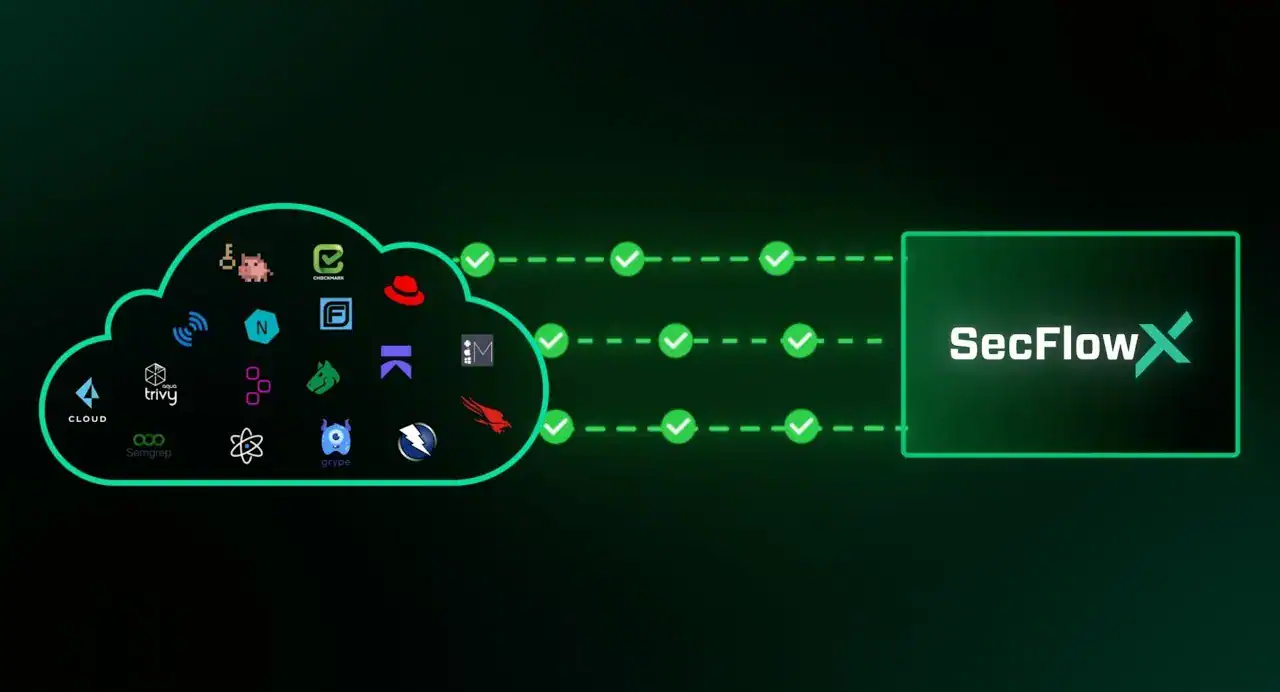
Piling raw findings gathered from the successive stages of the DevSecOps pipeline in front of development teams causes the process to bottleneck. The most crucial complement to this workflow is consolidating the results from all tools into a centralized ASPM (Application Security Posture Management) platform. For a deeper look at the concept, read our post on ASPM.

ASPM platform centralizing SAST, SCA and DAST findings

This centralized architecture (an ASPM platform, e.g., SecFlowX) unifies all steps to perform the following functions:

  • Deduplication: Vulnerabilities detected by SAST and DAST tools that originate from the same root cause are consolidated into a single record.
  • Prioritization: It determines which security vulnerabilities must be remediated first based on their risk scores and severity levels.
  • Traceability: It provides development and security teams with a shared workspace where they can track the life cycle of a vulnerability.

Conclusion

Ultimately, DevSecOps is the key to deploying code as quickly and securely as possible in software development environments. Shift left security does not replace testing at the end of the cycle; it makes sure that by the time an application reaches production, the obvious issues are already gone and the remaining testing can focus on what really matters.

Want to build security into your pipeline? Talk to our application security team about DevSecOps consulting, or help your developers get hands-on experience with our DevSecOps & IaC Security Training.


PeakCyber cybersecurity and offensive security services logo.

Subscribe to our cyber security newsletter

Scroll to top